How to Publish a Book: 8 Steps from Manuscript to Sale
To publish a book you finish and revise the manuscript, choose a publishing route, have it edited, get the cover and interior designed, sort out the ISBN, upload the files to a publishing platform, set a price and launch. If you self-publish, you can do each step yourself or pay a professional for the parts you cannot do well. This guide covers the steps in order and links to a detailed guide for each one.
The steps at a glance
| Step | What you do | Detailed guide |
|---|---|---|
| 1. Finish and revise | Complete the manuscript and revise it yourself | This page |
| 2. Choose a route | Traditional publisher, self-publishing, or a services company | How to spot a vanity press |
| 3. Edit | Decide which type of edit the book needs | Types of book editing |
| 4. Design | Cover and interior layout for each format | Cost to self-publish a book |
| 5. ISBN and copyright | Choose a free or paid ISBN; understand your copyright | ISBNs for self-published books |
| 6. Choose a platform | Amazon KDP, IngramSpark, or both | KDP vs IngramSpark |
| 7. Upload, price and proof | Upload files, set the price, check a proof | How to publish a book on Amazon KDP |
| 8. Launch and market | Tell readers the book exists | This page |
Step 1: Finish and revise the manuscript
Publishing starts with a complete draft. Revise it yourself before anyone else sees it: read it through from start to finish, fix what you can, and ask a few honest readers for their reactions. A cleaner draft needs a lighter edit, and a lighter edit costs less.
Step 2: Choose your publishing route
| Route | Who pays for production | Who controls the book | What to check |
|---|---|---|---|
| Traditional publisher | The publisher | The publisher, under the contract you sign | Many large publishers only read manuscripts sent by a literary agent |
| Self-publishing | You | You | You are responsible for editing, design and marketing |
| Publishing services company | You | Should be you | That the book is published in your own account and you keep your rights and royalties |
Global Publishers House is a publishing services company, so we are not neutral on this choice. Whichever company you consider, check it for vanity press red flags before you pay. See how to choose a self-publishing company
The rest of this guide assumes you are self-publishing, on your own or with help.
Step 3: Have the book edited
There are several types of editing, and few books need all of them. Developmental editing looks at structure, copyediting at sentences and consistency, and proofreading at the final errors. See which type of editing your book needs.
Step 4: Design the cover and interior
Each format needs its own files. An eBook needs a front cover image and a file that reflows to fit any screen. A paperback or hardcover needs a print-ready interior and a full cover with back, spine and front, sized to the final page count. Decide your formats before design starts, because changing the page count later changes the spine.
For a children's picture book, illustration comes before layout. See how to publish a children's book.
Step 5: Sort out the ISBN and understand your copyright
Print books need an ISBN. Kindle eBooks do not. Amazon KDP offers a free ISBN that only works on KDP; buying your own from Bowker costs $125 for one or $295 for ten and lets you use your own imprint name. See which ISBN to choose.
Under US law, copyright protects an original work from the time it is created in a fixed form, so you do not need to publish or register the book for the copyright to exist. Registration with the US Copyright Office is a separate, optional step. This is general information, not legal advice.
Step 6: Choose where to publish
Most self-published authors start with Amazon KDP, which sells eBooks, paperbacks and hardcovers on Amazon. IngramSpark is the usual addition when you want bookstores and libraries to be able to order the book. Uploading is free on both. Compare KDP and IngramSpark.
Step 7: Upload, set your price and check a proof
On the platform you enter the book's details, upload the interior and cover files, check them in the previewer and set a price. For print, order a proof copy before you publish; problems with margins and color are easier to see on paper.
- How to publish a book on Amazon KDP, step by step
- How to upload a book to KDP: files and formats
- How to publish an eBook on Kindle
Amazon KDP says an eBook is typically reviewed and published within 24 to 72 hours, and a print book's detail page appears within up to 72 hours on Amazon.com.
Step 8: Launch and market the book
A published book does not sell itself. Before launch, write a description aimed at the reader, choose categories and keywords a reader of your genre would use, and ask early readers for honest reviews. After launch, keep telling the readers you can reach: your email list, your social accounts, local groups and anyone who writes about your subject.
What it costs
Uploading to Amazon KDP or IngramSpark is free. Reedsy's August 2026 marketplace data puts a typical professionally produced book at $2,940 to $5,660, with editing the largest share. See the full cost breakdown and what Amazon keeps per sale.
Common mistakes
- Publishing an unedited draft. Platforms publish what you upload.
- Designing the cover before the page count is final. The spine width depends on it.
- Paying a company that publishes the book in its own account. You should hold the account, the rights and the royalties.
- Skipping the printed proof.
- Leaving marketing until after launch.
Publishing a collection instead of a single long work? See how to self-publish short stories and poetry.
Want help with any step?
We edit, design and set up books in the author's own accounts, so the rights and royalties stay yours. See our publishing services or send us your manuscript for a written quote.
Sources
Author reviews
Meet the authors behind the books
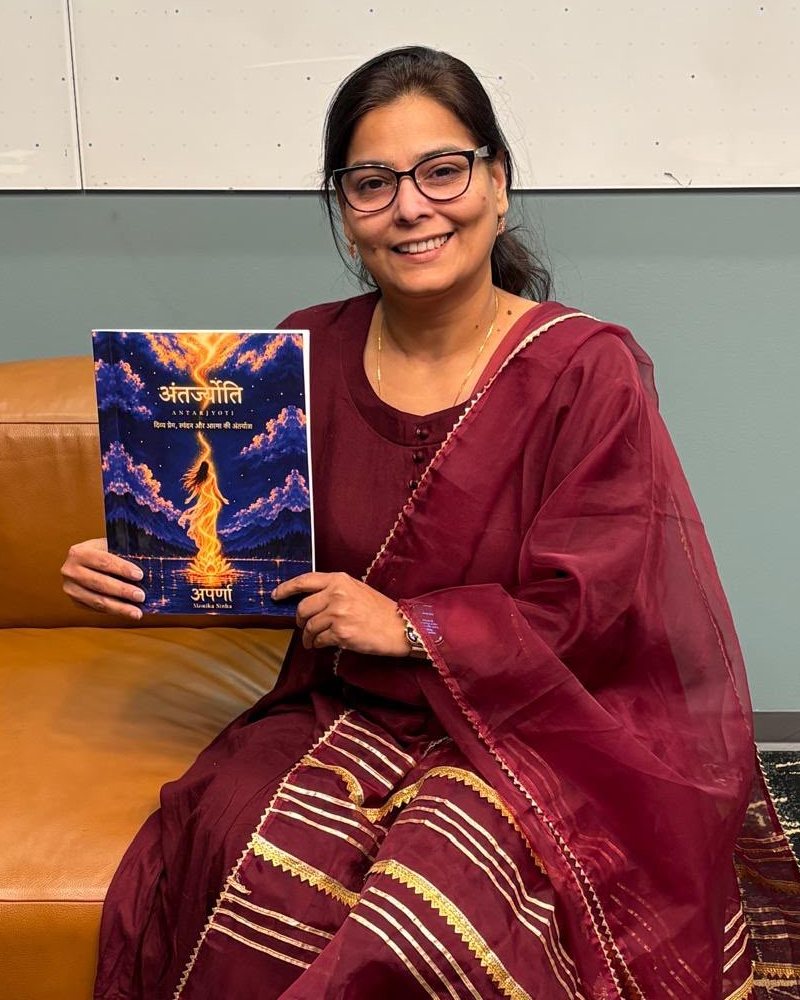
“The team respected the personal and spiritual essence of the book”
Monika Sinha
Author of "Antarjyoti"
Read the full review on Trustpilot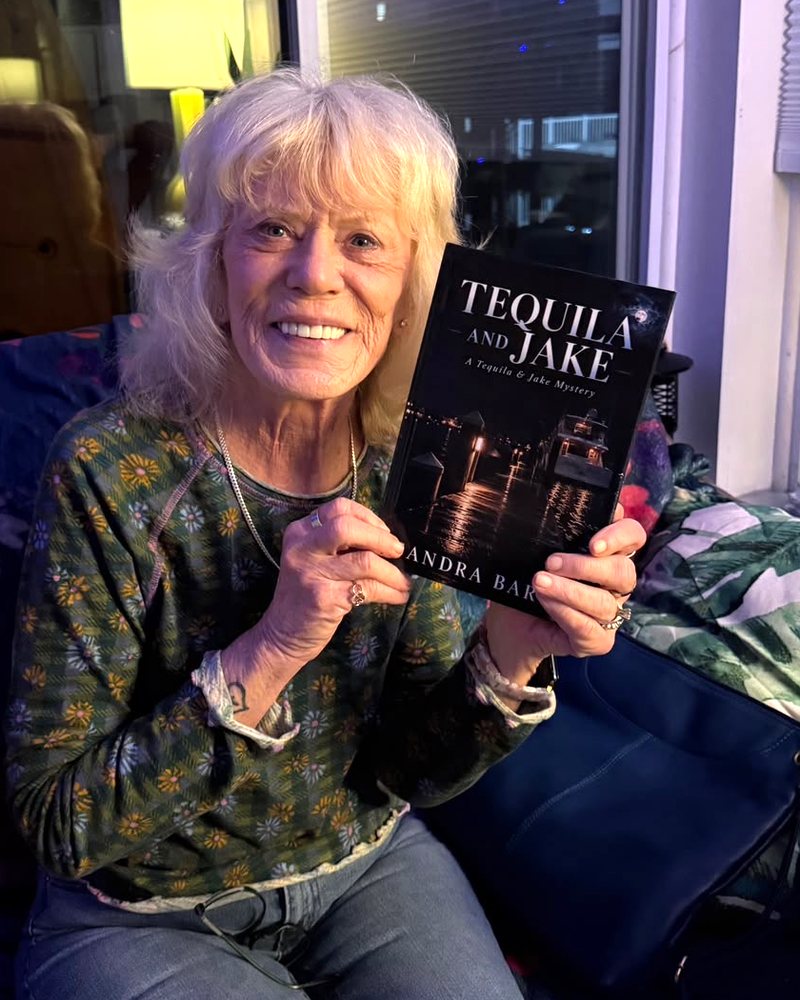
“Seeing my book on Amazon is a dream come true.”
Sandra Barth
Author of "Tequila and Jake: A Tequila & Jake Mystery"
Read the full review on Trustpilot
“It was a pleasure working with this company truly!!!”
Sandra Bailey
Author of "Victory & Power Over the System"
See the book on Amazon
More reviews on Trustpilot
“It has been great since the beginning”
Paul Lester
Read the full review on Trustpilot“Excellent job made from this team!”
Royal Hearted god
Read the full review on Trustpilot