How to Publish an eBook on Kindle (Amazon KDP)
To publish an eBook on Kindle you open a free Amazon KDP account, enter the book's details, upload a Word, EPUB or KPF file and a front cover image, choose a royalty option and price, and submit it for review. A Kindle eBook does not need an ISBN, and KDP says most eBooks are reviewed and published within 24 to 72 hours.
What you need
- A finished, edited manuscript.
- An eBook file: Word (DOC/DOCX), EPUB or KPF.
- A front cover image: JPEG or TIFF, ideally 2,560 pixels high by 1,600 wide.
- Your description, categories and keywords.
- Bank and tax details for your KDP account.
The steps at a glance
| Step | What you do |
|---|---|
| 1. Prepare the file | Format the manuscript as a reflowable or fixed-layout eBook |
| 2. Create the title | Add a Kindle eBook on your KDP Bookshelf and enter the details |
| 3. Upload and preview | Upload the manuscript and cover, then check them in the previewer |
| 4. Decide on KDP Select | Choose whether to make the eBook exclusive to Amazon |
| 5. Set price and royalty | Pick the 35% or 70% option and a list price |
| 6. Publish | Submit for review |
Step 1: Prepare the eBook file
Most books made of text are reflowable: the words rearrange to fit the screen and the reader chooses the font size. That means no fixed page numbers, headers or footers. Use heading styles for chapter titles so Kindle can build the table of contents, and insert images in line with the text.
Books where the layout of each page matters, such as children's picture books and comics, are usually fixed layout. For these, KDP accepts KPF files made in its free Kindle Create tool, or EPUB. See how to publish a children's book.
KDP's recommended formats are Word (DOC/DOCX), EPUB and KPF. It stopped accepting MOBI files on 18 March 2025.
Step 2: Create the title and enter the details
On your KDP Bookshelf, create a Kindle eBook and enter the title, author name, description, categories and keywords. You do not need an ISBN for a Kindle eBook. KDP also asks whether the book contains AI-generated text, images or translations; answer accurately.
Step 3: Upload the manuscript and cover, then preview
Upload the eBook file and the cover image. KDP's ideal cover size is 2,560 by 1,600 pixels; the minimum is 1,000 by 625 pixels and the file must be under 50 MB. Then open the previewer and check the book on phone, tablet and Kindle views: chapter breaks, images, and the table of contents links. See our guide to KDP files and formats.
Step 4: Decide on KDP Select and Kindle+
KDP Select is a free, optional 90-day program. An enrolled eBook is included in Kindle+, Amazon's reading subscription, which was called Kindle Unlimited until 22 October 2026. In return, the eBook must be exclusive to the Kindle Store for the enrollment period. The exclusivity applies to the eBook; KDP says you can still sell the book elsewhere in print.
| KDP Select feature | What KDP says |
|---|---|
| Term | 90 days, with an option to renew automatically |
| Cancelling | Within three days of the start of the enrollment period; after that you must contact KDP |
| Free Book Promotion | Offer the eBook free for up to 5 days in each 90-day period |
| Kindle Countdown Deals | Amazon.com and Amazon.co.uk only; the title must have been enrolled for at least 30 days and be priced from $2.99 to $24.99 on Amazon.com |
| Promotions per term | Only one type of promotion can be used in each enrollment period |
If you want to sell the eBook through other stores as well, do not enroll, or turn off automatic renewal so the term ends.
Step 5: Set your price and royalty
| Option | List price on Amazon.com | What you earn |
|---|---|---|
| 70% royalty | $2.99 to $12.99 | 70% of list price minus a delivery cost based on file size |
| 35% royalty, file under 3 MB | $0.99 to $200 | 35% of list price |
| 35% royalty, file 3 MB to under 10 MB | $1.99 to $200 | 35% of list price |
| 35% royalty, file 10 MB or more | $2.99 to $200 | 35% of list price |
The top of the 70% band rose from $9.99 to $12.99 on 7 July 2026. The 70% option is for in-copyright works only; public domain books earn 35%. Sales to customers outside KDP's 70% territories also earn 35%.
As an illustration, not a forecast: KDP gives an average delivery cost of $0.06 per unit. A $4.99 eBook on the 70% option would earn about 0.70 × ($4.99 − $0.06) = $3.45 per sale on Amazon.com. The same book on the 35% option would earn about $1.75. KDP shows your own figures on the pricing page. Books with many images have larger files and higher delivery costs.
Step 6: Publish
Press publish and KDP reviews the book. It says eBooks are typically reviewed and published within 24 to 72 hours. You can change the price, description or the file itself later at no charge.
Common mistakes
- Uploading the print PDF as the eBook. A print layout does not reflow on small screens.
- Not checking the previewer on a phone view.
- Enrolling in KDP Select while the eBook is on sale elsewhere. The eBook must be exclusive to the Kindle Store while enrolled.
- Pricing outside $2.99 to $12.99 and expecting 70%.
- Forgetting that enrollment can renew automatically.
Want it done for you?
We format your eBook and set it up on Amazon KDP in your own account, so the listing and royalties stay yours. See our Amazon KDP publishing service or ask us a question. Global Publishers House is an independent company and is not affiliated with Amazon.
Sources
Author reviews
Meet the authors behind the books
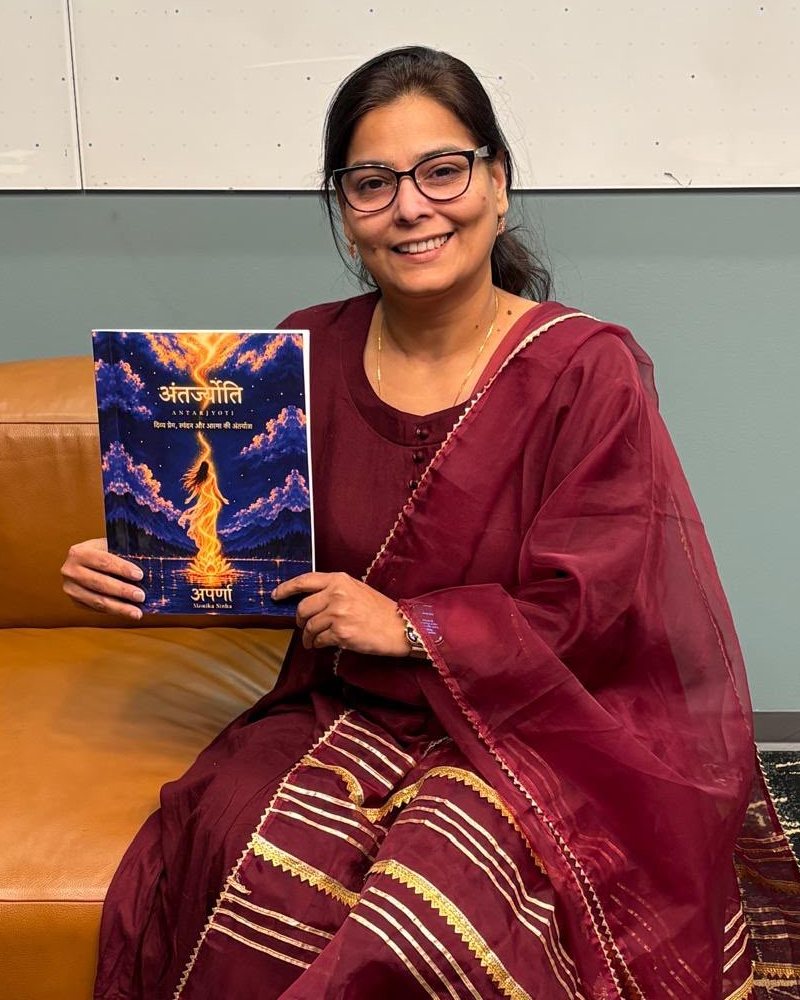
“The team respected the personal and spiritual essence of the book”
Monika Sinha
Author of "Antarjyoti"
Read the full review on Trustpilot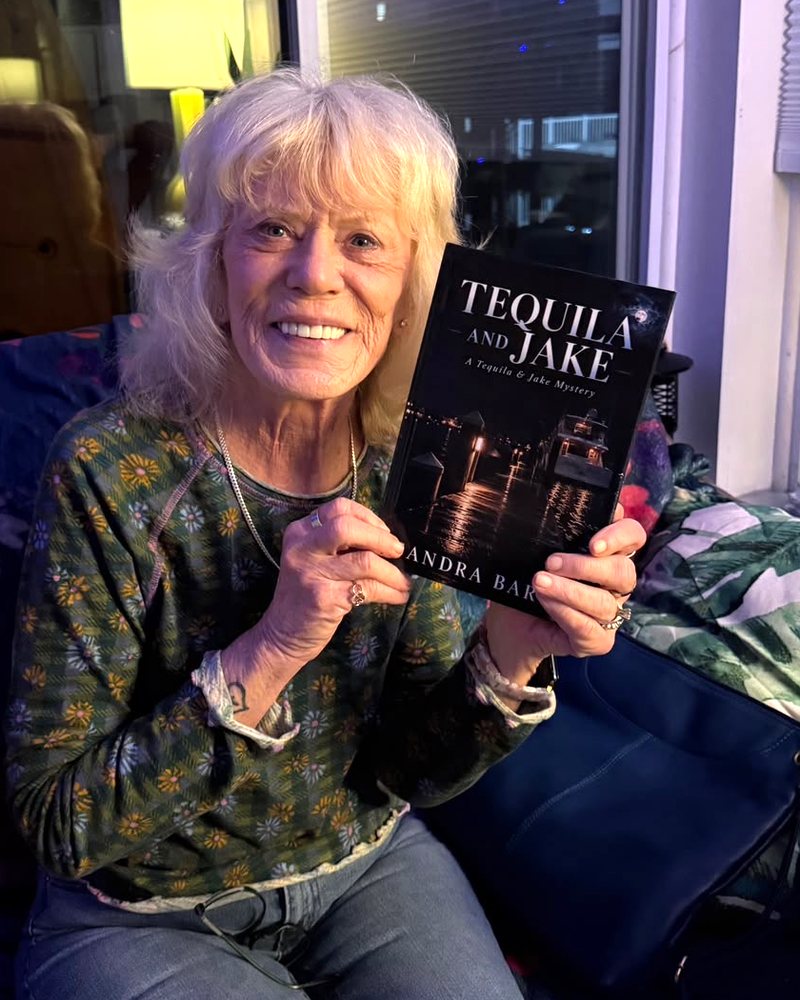
“Seeing my book on Amazon is a dream come true.”
Sandra Barth
Author of "Tequila and Jake: A Tequila & Jake Mystery"
Read the full review on Trustpilot
“It was a pleasure working with this company truly!!!”
Sandra Bailey
Author of "Victory & Power Over the System"
See the book on Amazon
More reviews on Trustpilot
“It has been great since the beginning”
Paul Lester
Read the full review on Trustpilot“Excellent job made from this team!”
Royal Hearted god
Read the full review on Trustpilot